
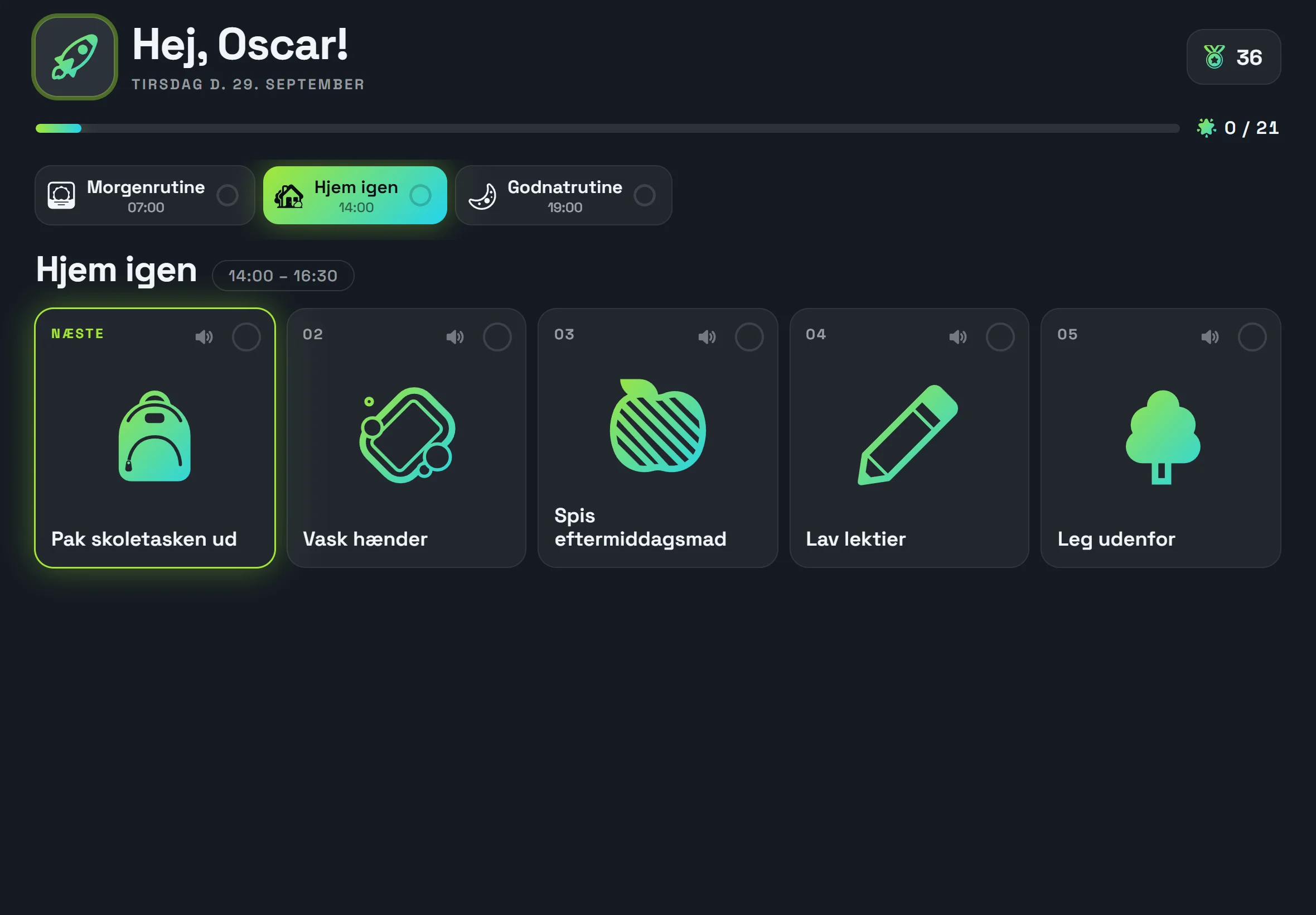
 Young person 10–15 years
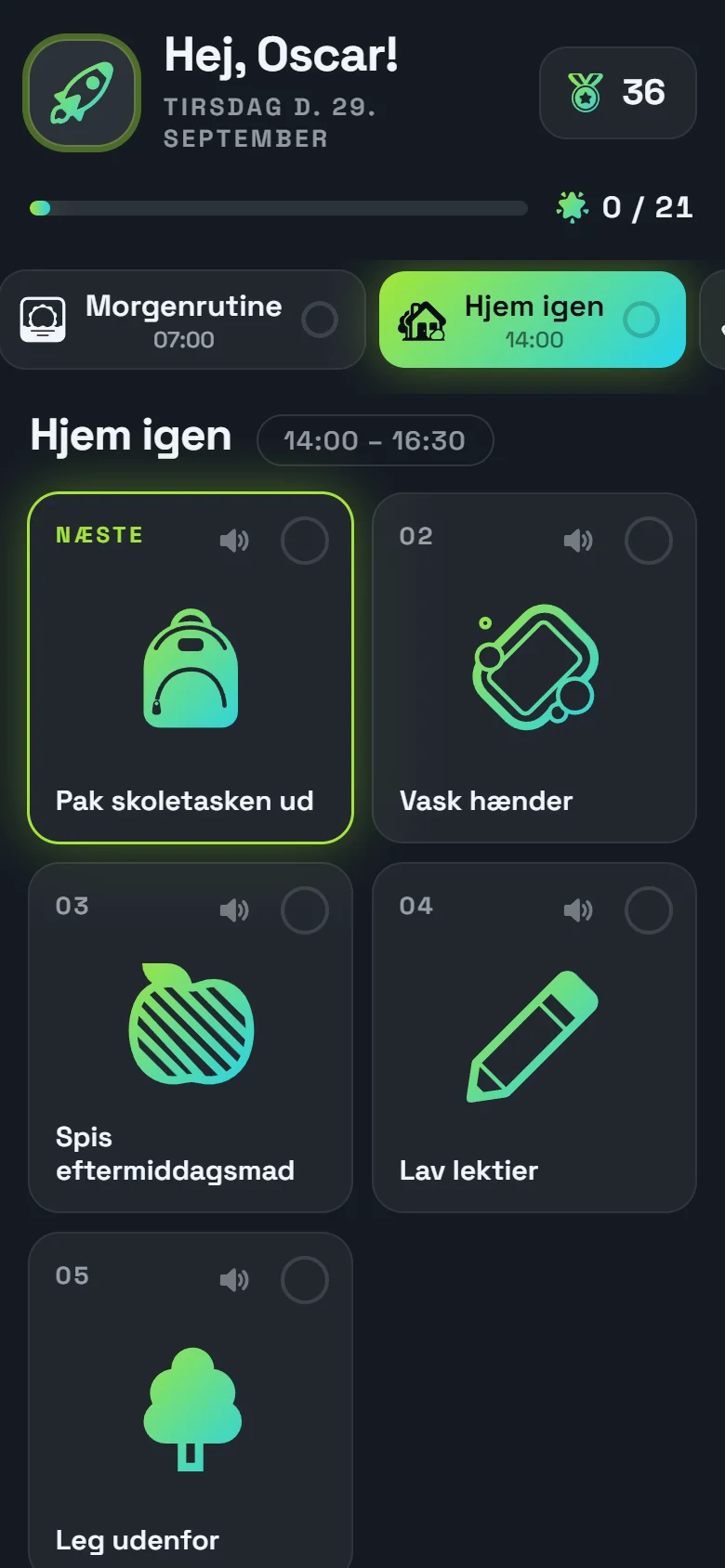
Dark and cool: solid-colour neon icons, glass cards, angular type and discreet celebration.
 Day plans with pictograms
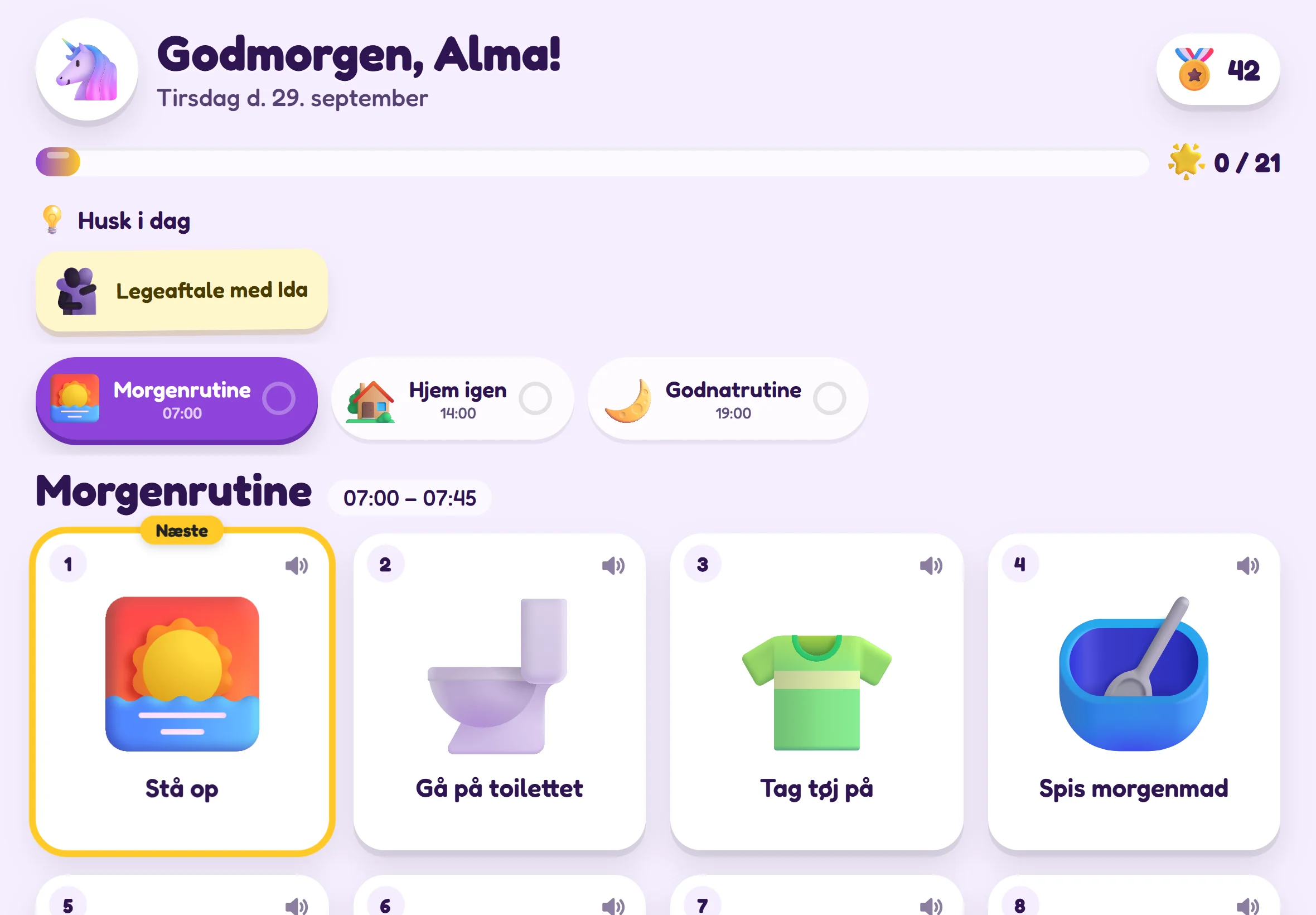
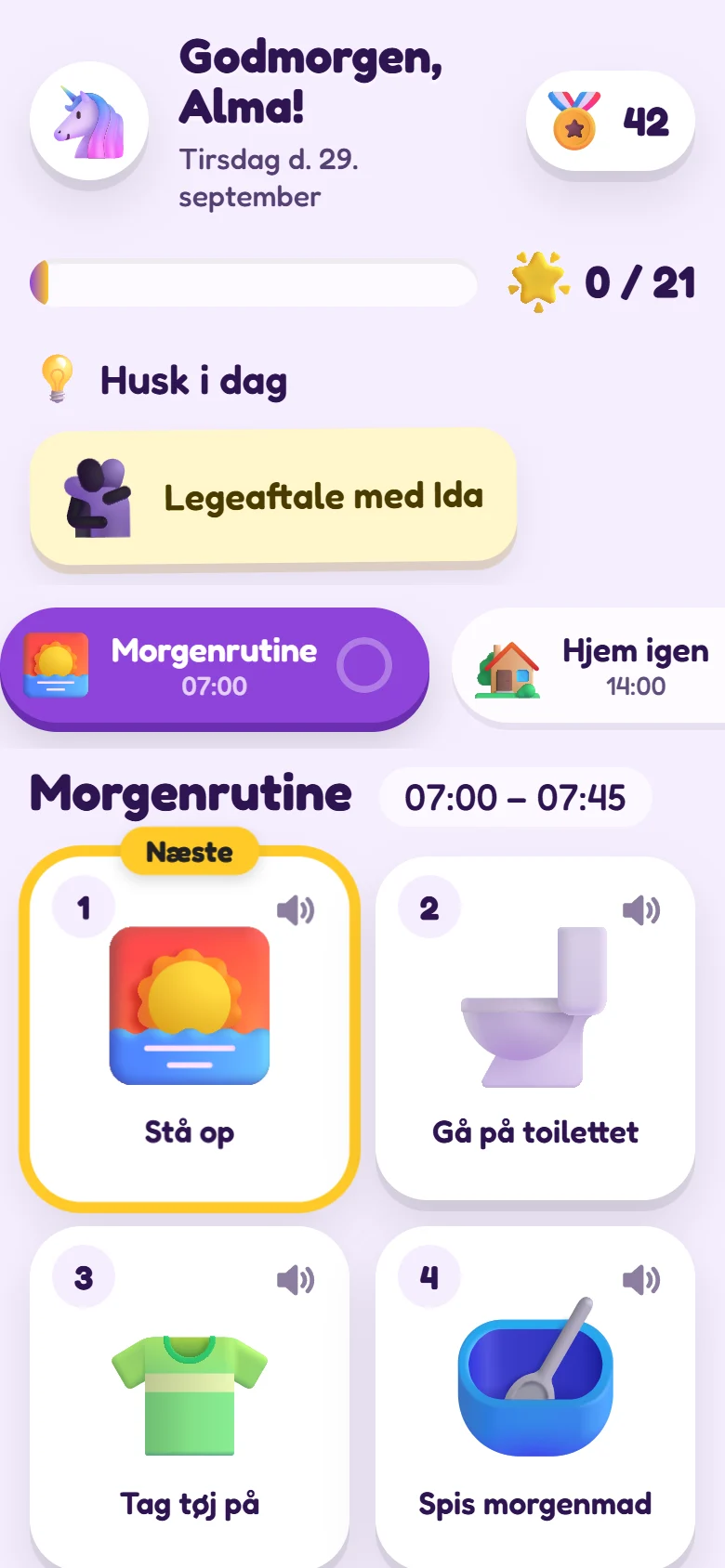
Ollie gives your child a clear day plan with pictograms on a tablet or mobile – iPad, Android or the screen you already have – or on paper. The child can see what is happening now and next, and ticks off the tasks themselves – and you set it all up in a few minutes.

 Remember: PE kit
 Did it myself!
Four simple building blocks – and a setup guide that sets them up for you.

One manageable step in the child's day, for example “Brush teeth”. There are 92 ready-made tasks to start with – and a task can have a follow-up task, for example “Hang up the towel” after a bath.
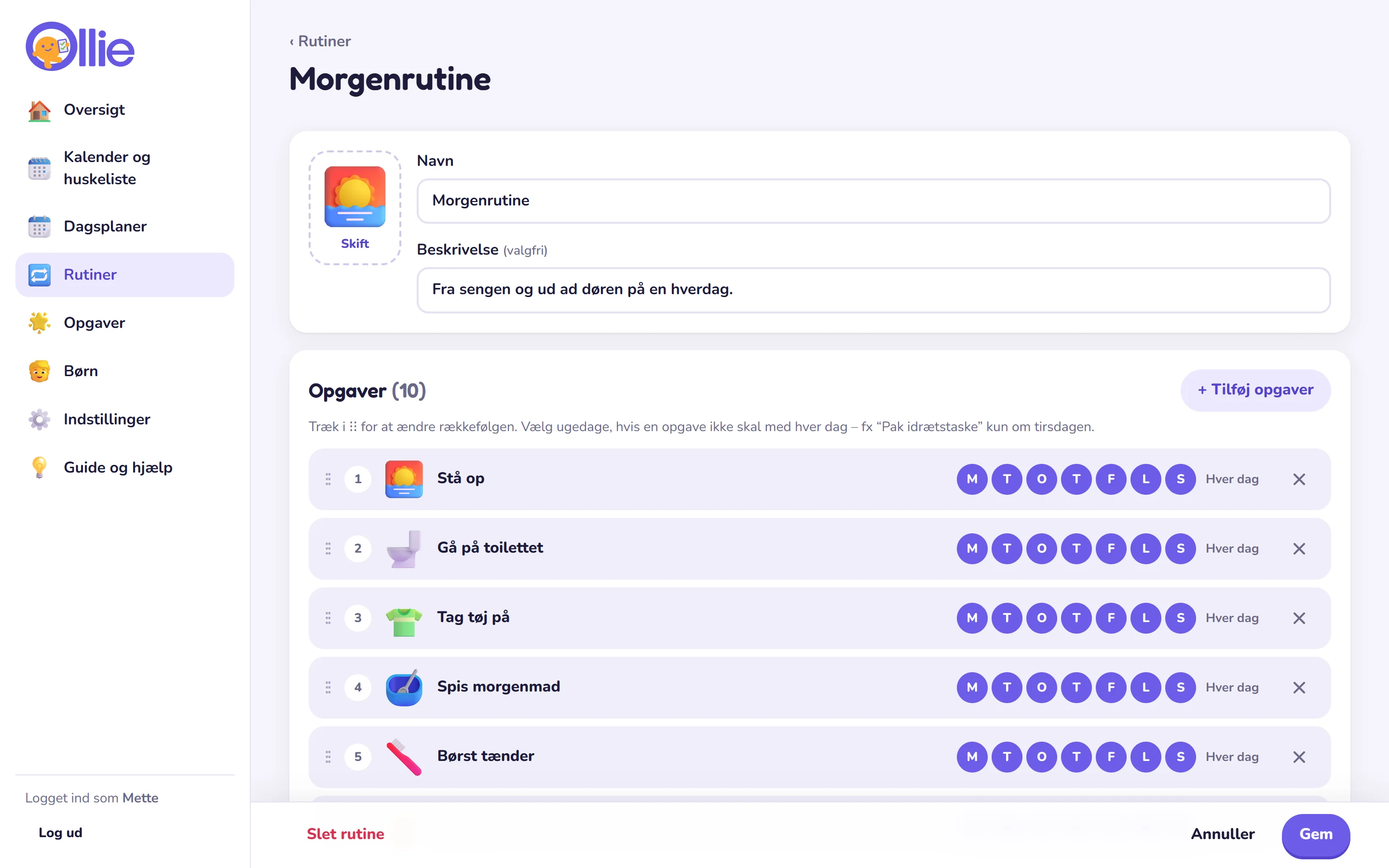
Tasks that belong together – morning, afternoon and bedtime. The order is a help, not a requirement, and you choose which weekdays and children a task suits.

The routines laid out across the day, so the child can see what is coming. One plan for weekdays, another for the weekend – and room for the days that are different.

You make the plan, and the child makes it their own. The child follows their day, ticks off tasks at their own pace and finds that they can do it themselves. That means fewer arguments and calmer days for both of you. Every morning, a new day is ready.
 Professional background
Ollie has been developed together with a psychologist with experience from PPR. The choices are based on research into visual support, memory and motivation – and on you knowing your child best.
Read the professional backgroundVisual plans are one of the best-documented forms of support for children with autism – and help many other children make sense of the day.

The plan remembers for the child, so the adults can get by with fewer reminders. The child ticks off tasks, and the order is a help, not a rule.

Rewards can take away the desire for some children. That is why medals are turned off until you choose them, and the celebration can be turned down or removed completely.
For the children
Large, clear pictures in the right order. The next task is highlighted, so the child always knows what is happening now.


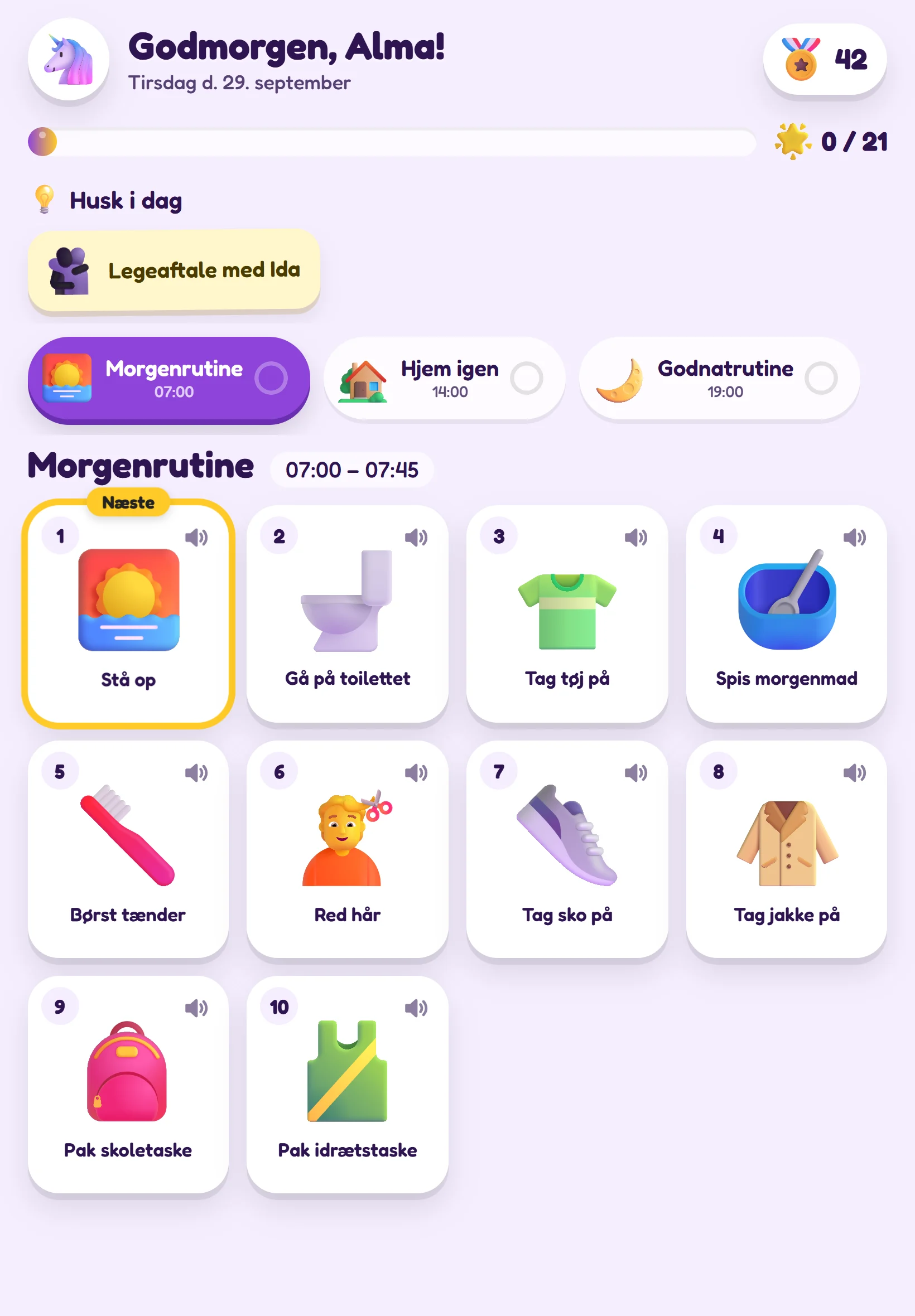
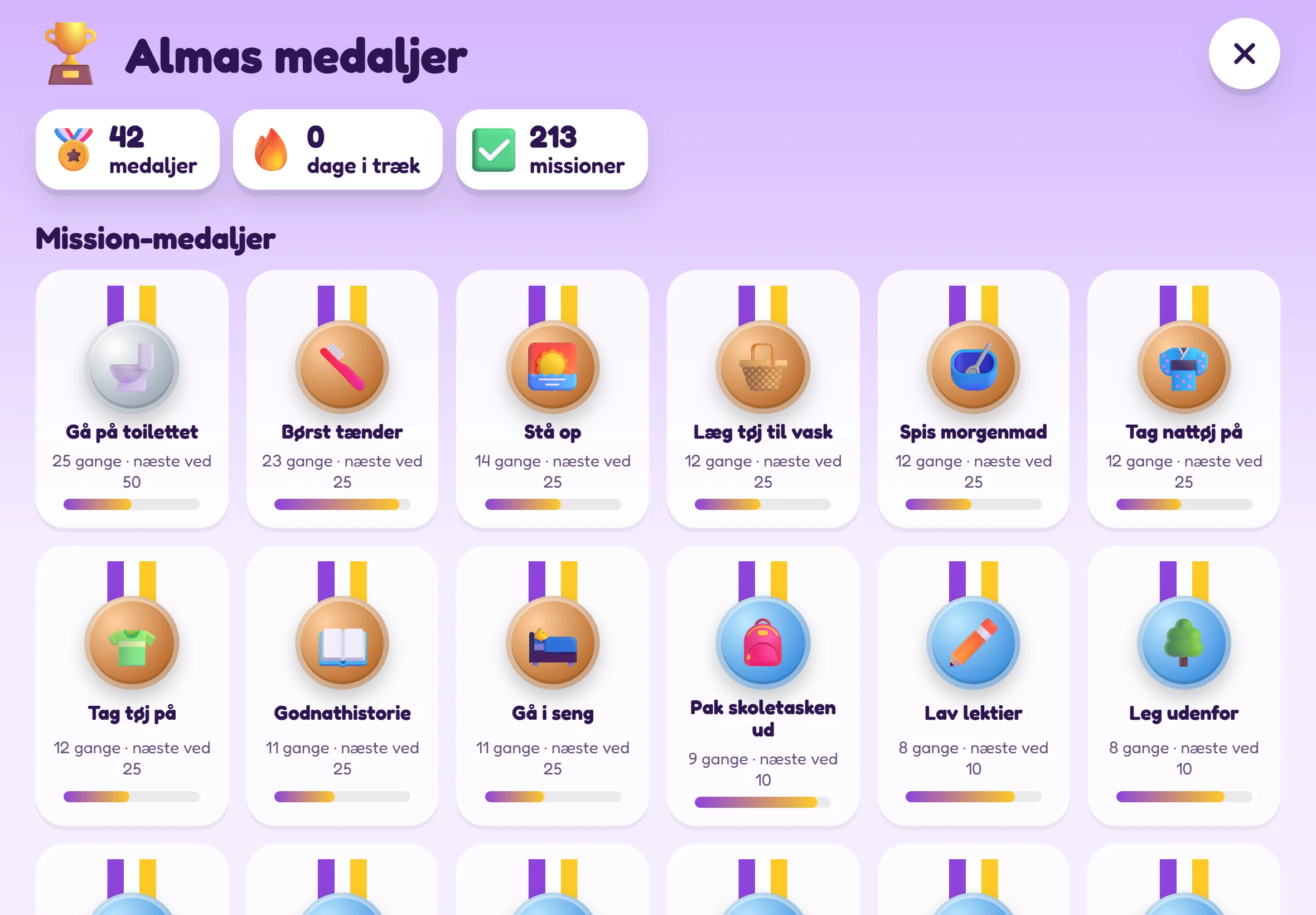
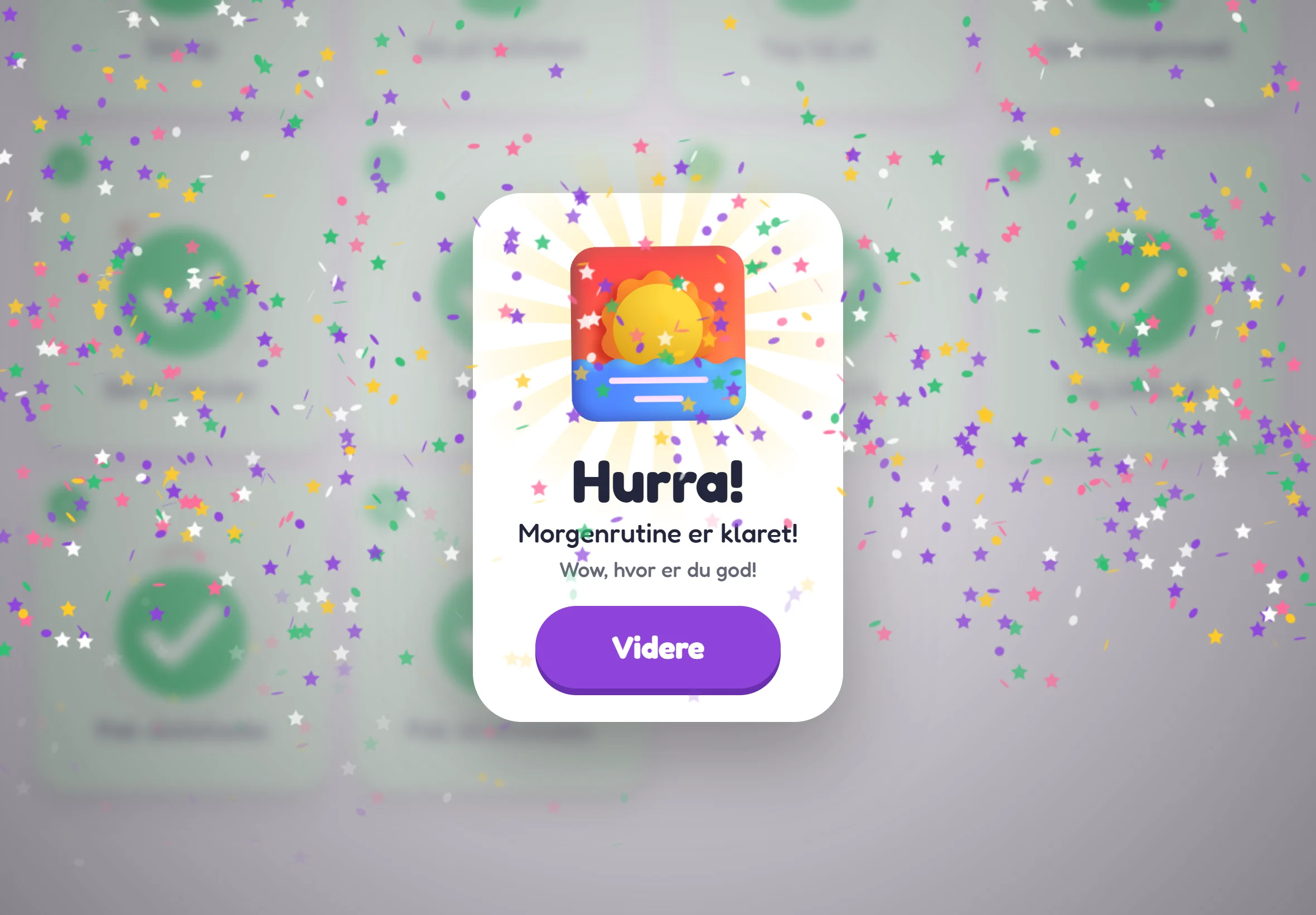
 Celebration
A tick can give a little celebration, and a completed routine a big one. But rewards are not good for all children – so you decide how much should happen, and whether there should be medals.


 All screens
Ollie runs in the browser, so it works on tablets and mobiles from all manufacturers – in portrait and landscape. No App Store, no Google Play and no new tablet.


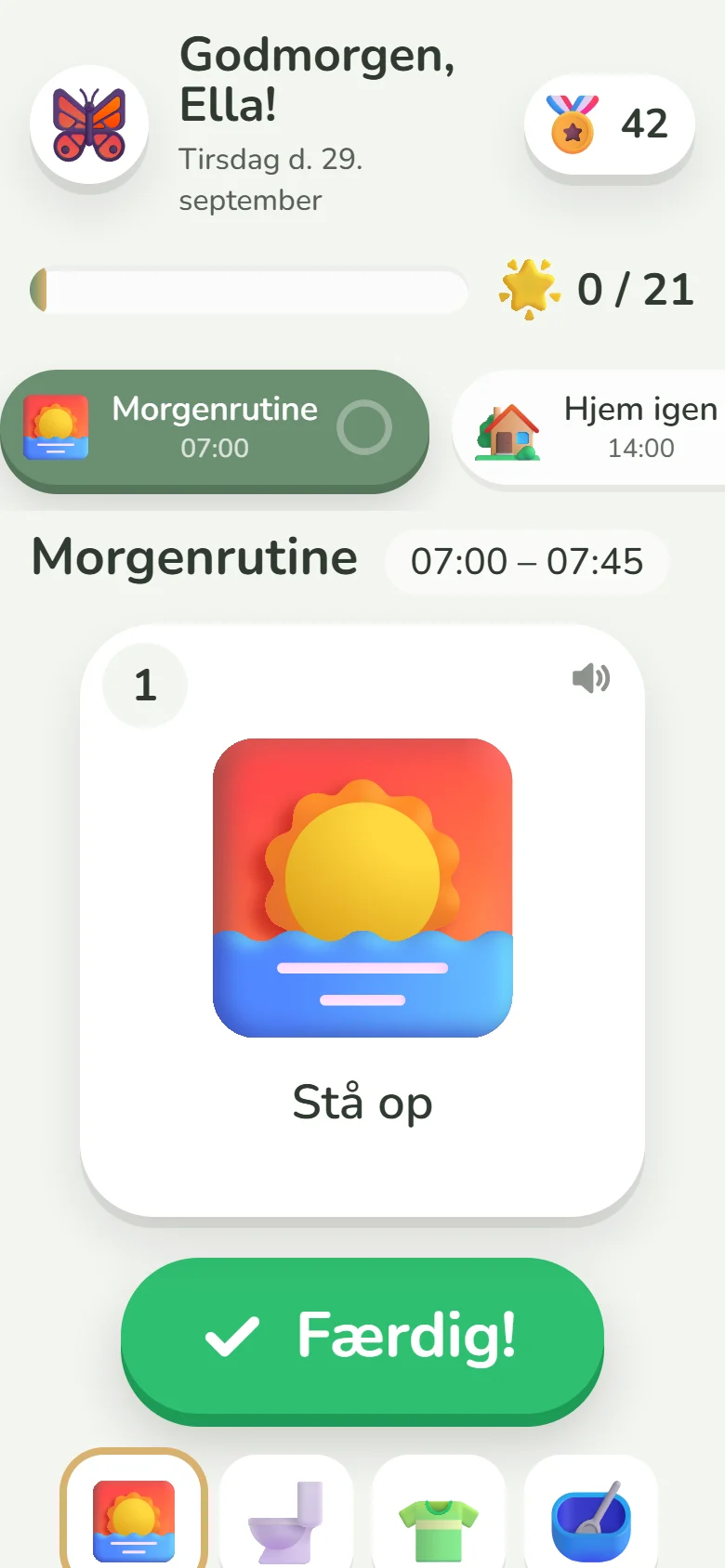
 For all ages and needs
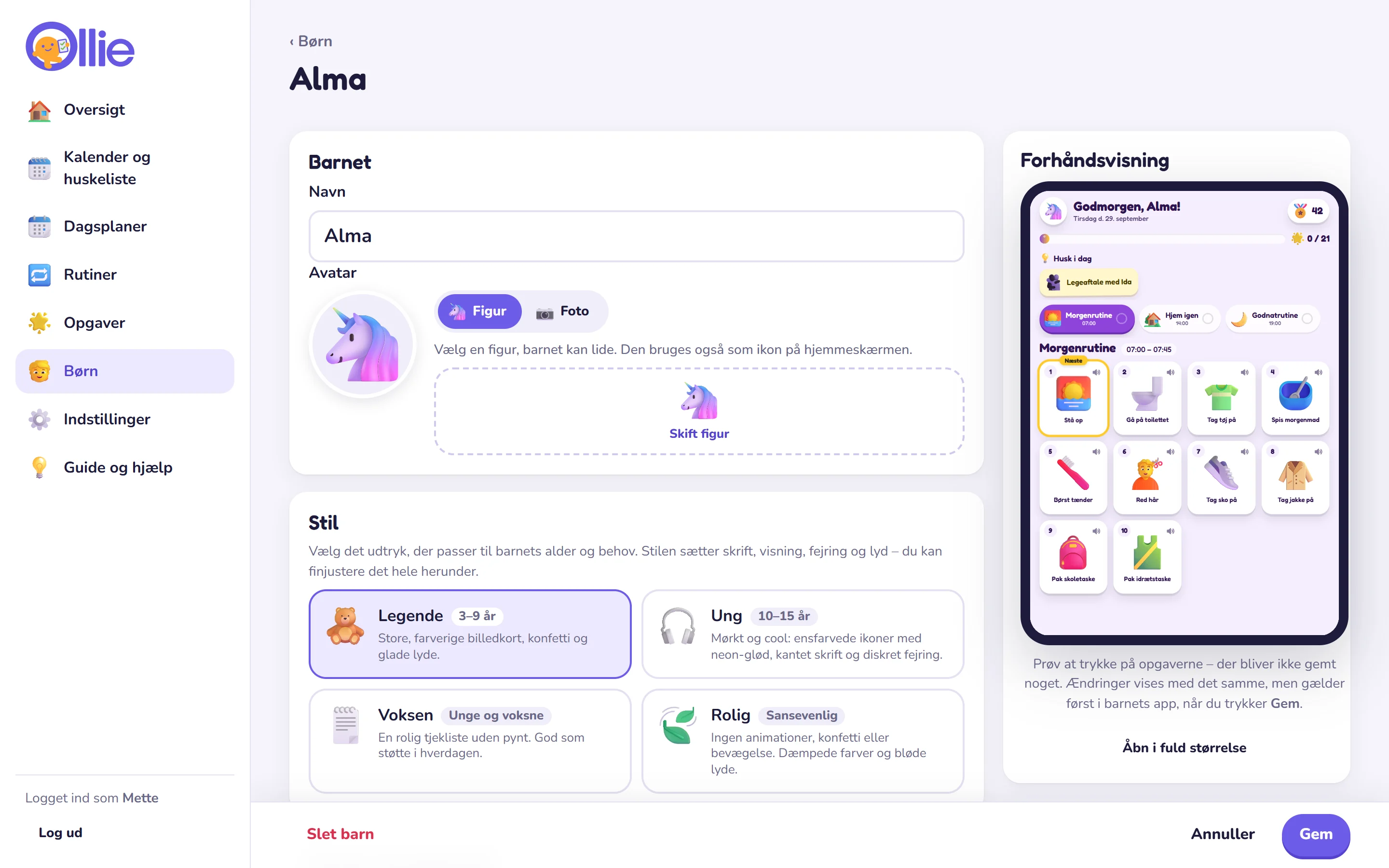
Choose a style for each child, and fine-tune colours, font, display, celebration and sound. The avatar can be a figure or a photo.
Young person 10–15 yearsDark and cool: solid-colour neon icons, glass cards, angular type and discreet celebration.
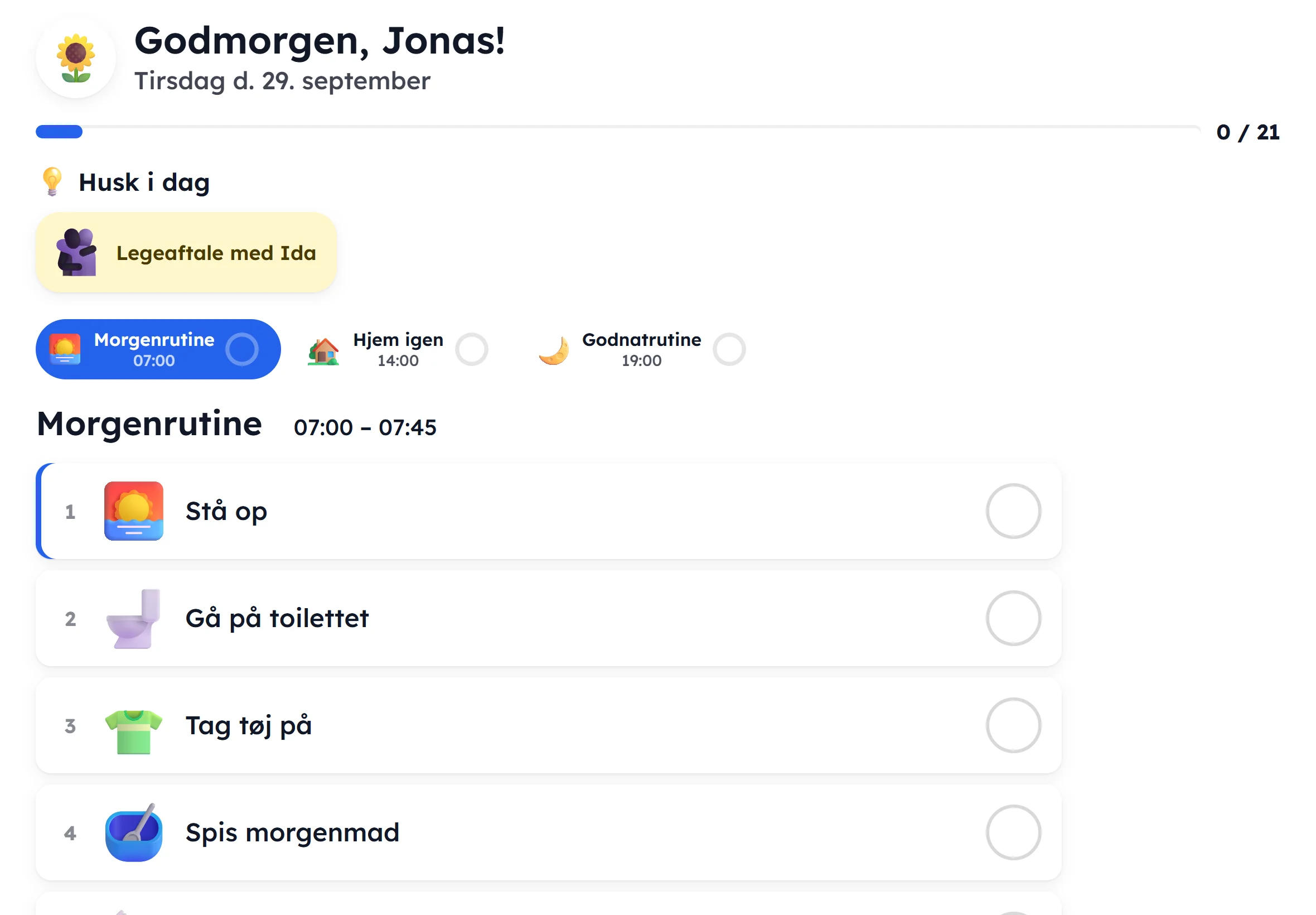
 Adult Young people and adults
A calm checklist without decoration – good for everyday support, also for adults.
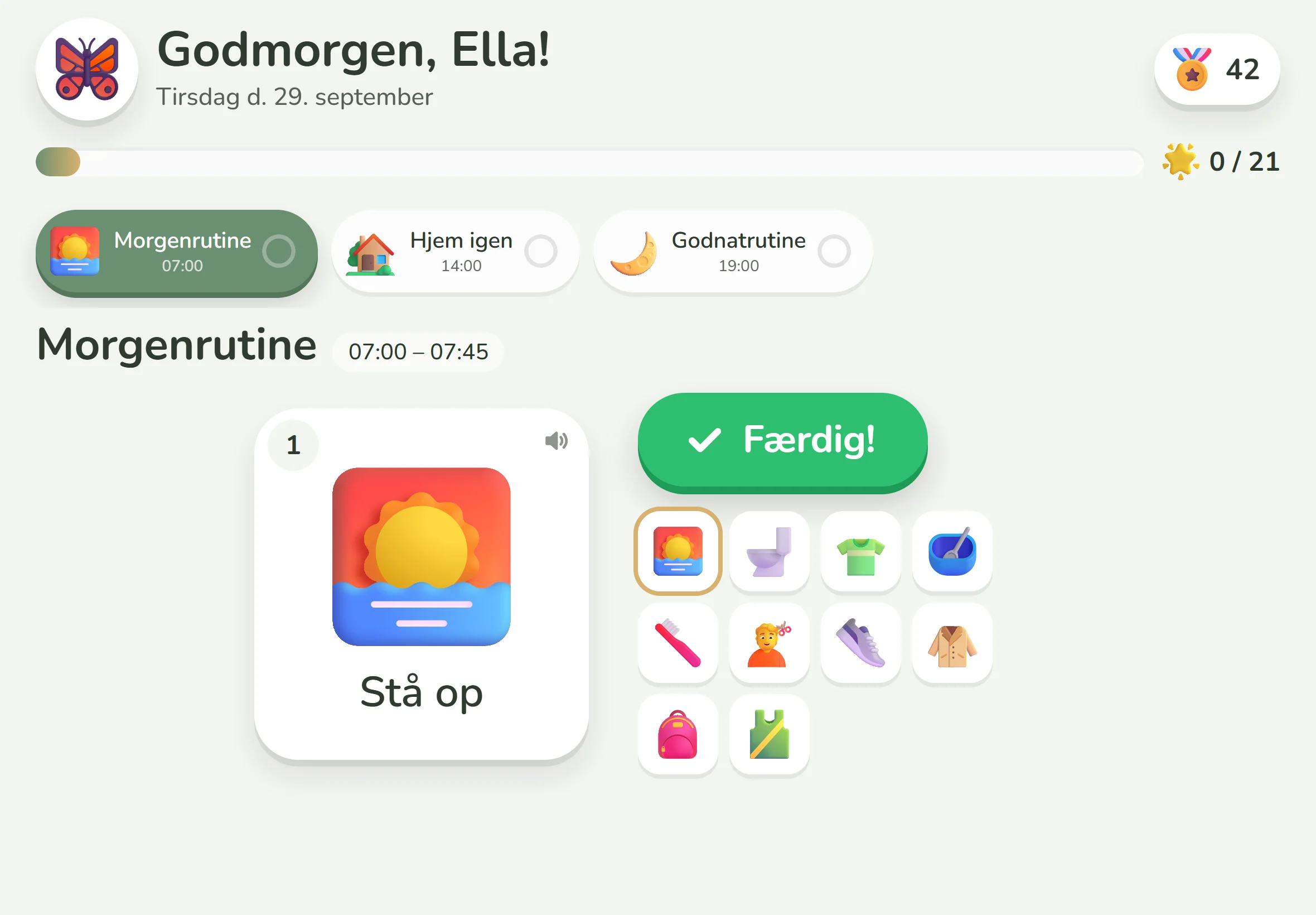
 Calm Sensory-friendly
One task at a time, muted colours and no animations or confetti.
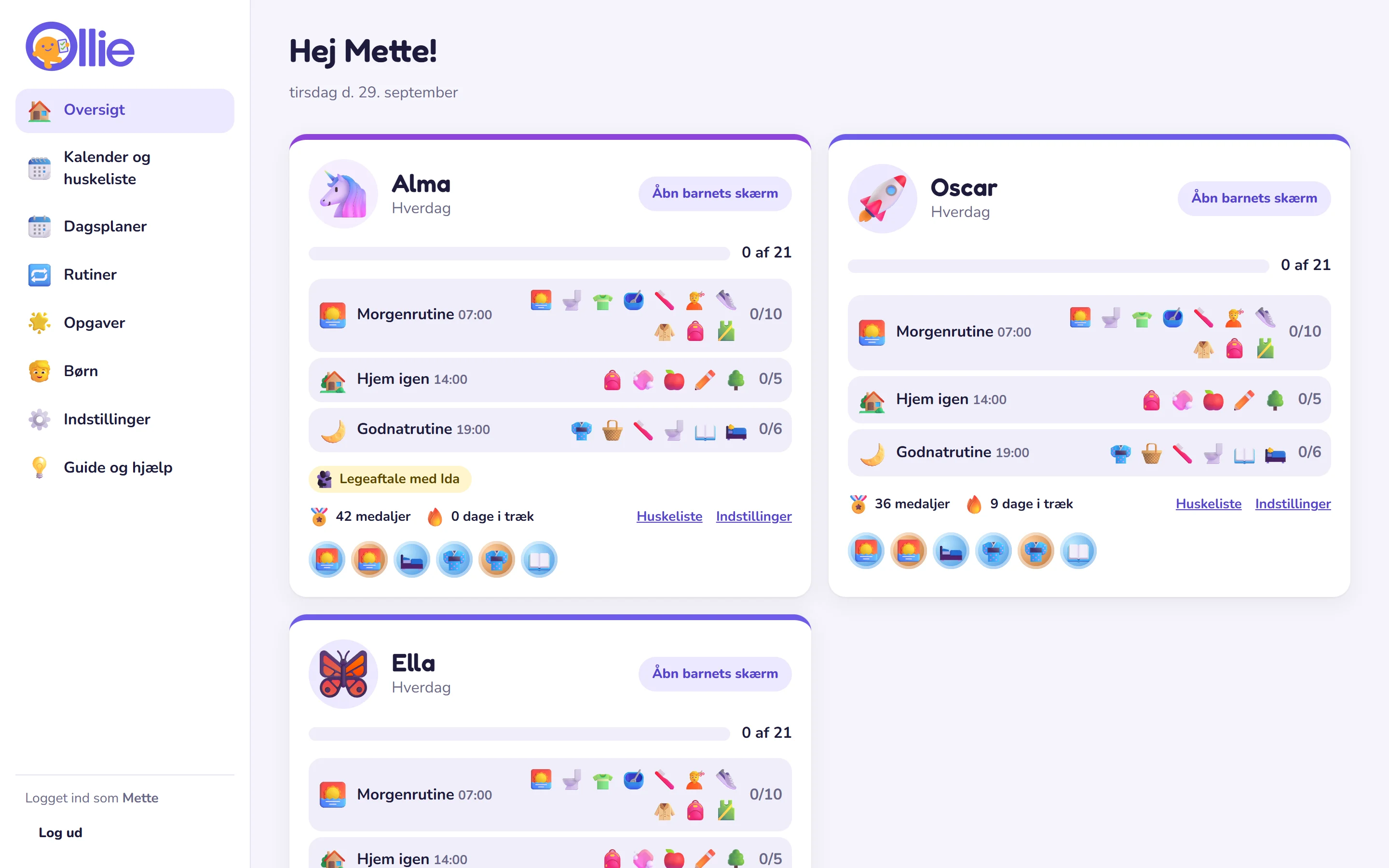
 For parents
See how far each child has got today, today's reminders and the newest medals – from your mobile or computer.
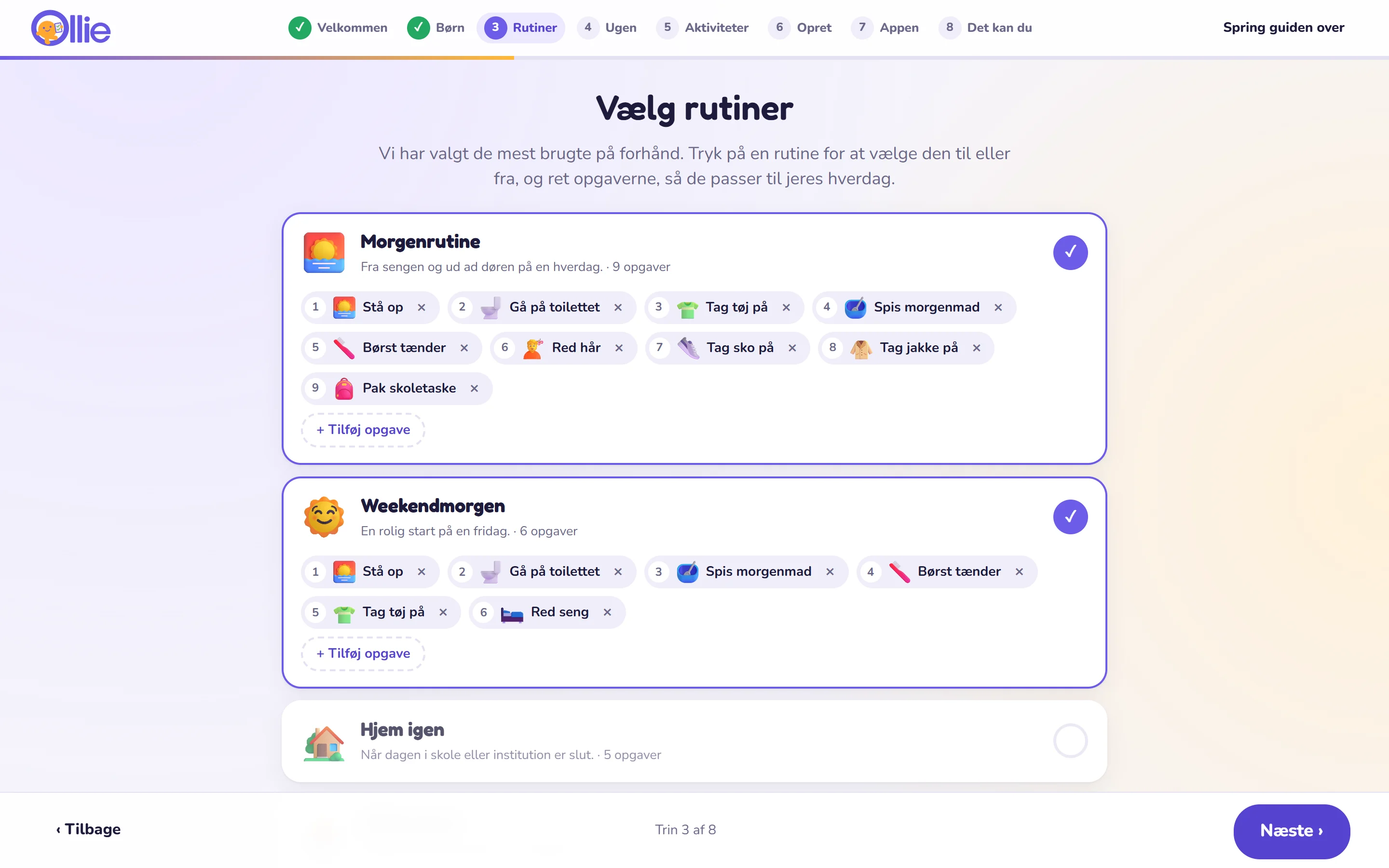 Setup guide
The guide asks about your child, suggests routines, lets you choose weekdays and weekends with times – and shows the QR code for the child's tablet or mobile.


 Customisation
When you choose style, colours, font or celebration, you see the child's screen live next to it – and can try tapping it.
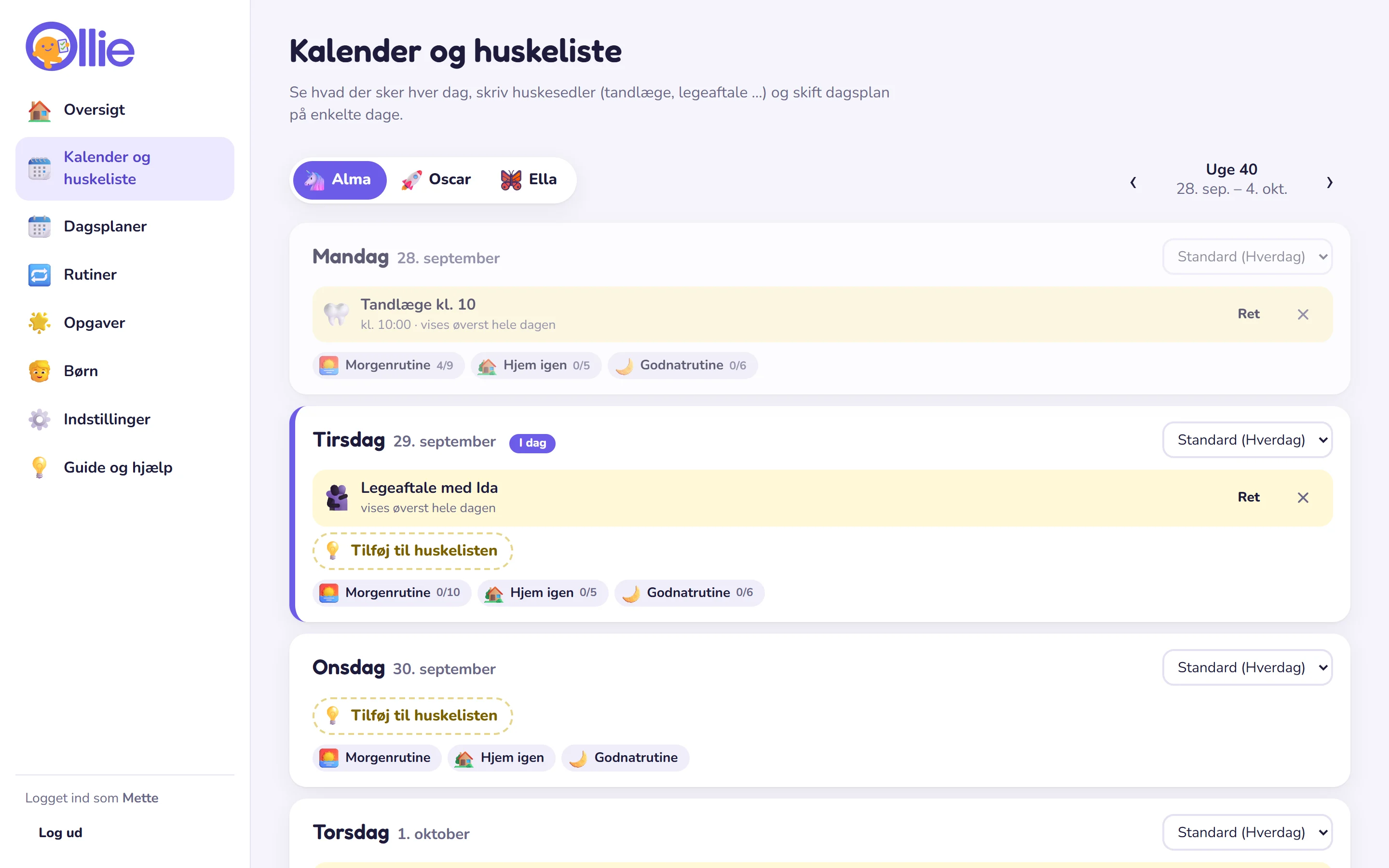
 Planning
Drag the tasks into the order you want. Write reminders far into the future, and change the plan for holidays and days off.
The child’s link is added to the home screen and works like an app – without the App Store or Google Play.

Ticks are saved if the Wi-Fi disappears, and sent afterwards.
Every day starts fresh – completely automatically.
Three styles – colourful emojis, illustrated motifs and educational AAC symbols. Search in English.

Use a photo of the child's own toothbrush, bag or bike.

Show only the next task – large and clear.
The child has no access to the parent section. Lost the tablet or mobile? Make a new link.
Happy, soft or retro sounds and three speech speeds.
For all children who benefit from structure and visual support – for example children with autism or ADHD, very young children and older children who want to manage more on their own. With the Adult style, it can also be used by young people and adults.
A day plan where each task is shown as an image – a pictogram – in the order it should happen. The images make the day predictable, so the child can follow along themselves, even before they can read. Ollie shows the plan on the child's tablet or mobile, so the child can tick off tasks as they go.
No. The core is the visual structure: a predictable day in pictures that the child can follow by themselves. Medals are switched off until you choose them, and the celebration can be turned down or switched off completely – because rewards can take away the motivation for some children. Read about the professional background.
No. Each child gets their own secret link, which is added to the home screen on the child's tablet or mobile. The parent part requires a login.
Scan the child's QR code with the camera, and open the link – in Safari on iPad and iPhone and in the browser on Android. The page shows a short guide to adding it to the home screen, and then it opens like an app – without the App Store or Google Play.
No. Ollie works on tablets and mobiles from all manufacturers – iPad and iPhone, Samsung, Lenovo and all other Android devices – and on computers. It just requires a modern browser, so you can use the screen you already have, even an older mobile. The parent part works on mobile and computer.
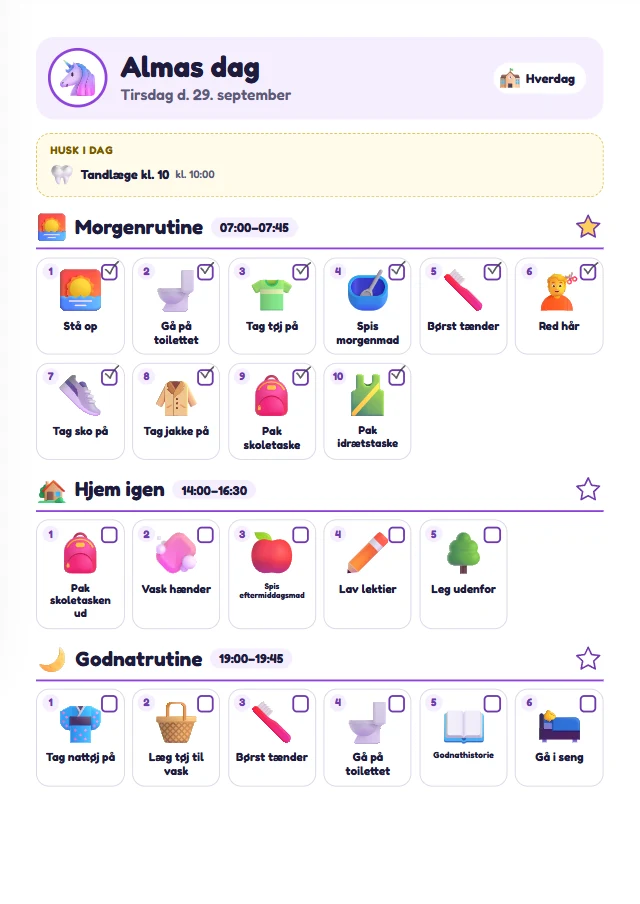
Yes. You can print today’s plan or the whole week’s plan on paper – with pictograms, checkboxes and the child’s colours – and the child ticks off with a pencil. Reminders and extra tasks are included.
Yes. On iPad and iPhone, the screen stays in Ollie with Guided Access until you unlock it with your code, and with Screen Time you can lock everything else down. On Android, you use app pinning or Family Link. See the step-by-step guide.
Around 6,500 pictograms in three styles: colourful 3D emojis (Fluent Emoji), drawn motifs (OpenMoji) and educational AAC symbols (Mulberry Symbols). All can be searched in English, and you can also use your own photos.
Yes. Each child has their own weekly plan and their own style, and all tasks and routines can be shared between the children. If only a few tasks are different, you turn them off for one child in the shared routine.
Choose a different day plan – or “day off” – for those days in the calendar. It only applies to the days you choose.
Ollie is free right now. It may cost money later – if so, you will be told at least 30 days in advance, and you never pay unless you have chosen to. Read more in the terms.

Set up the first day plan in five minutes – the setup guide helps you all the way.
Create your family